The resident portal
The portal lives at /r/<building slug>. A resident signs in with their mobile number and a texted code, and stays signed in for a year. It is built for a phone: four tabs along the bottom, one thing per screen.
The status hub
The home tab is the building status board as the manager keeps it: one row per item (Front door, Lift, Bins, whatever the manager has posted), each with a green, amber or red dot, a line of text, when it was updated and, if it came from a report, which flat reported it. Below that, dated notices. Then three cards for the resident: My reports (with an open count), Documents (with a count) and Telegram alerts.
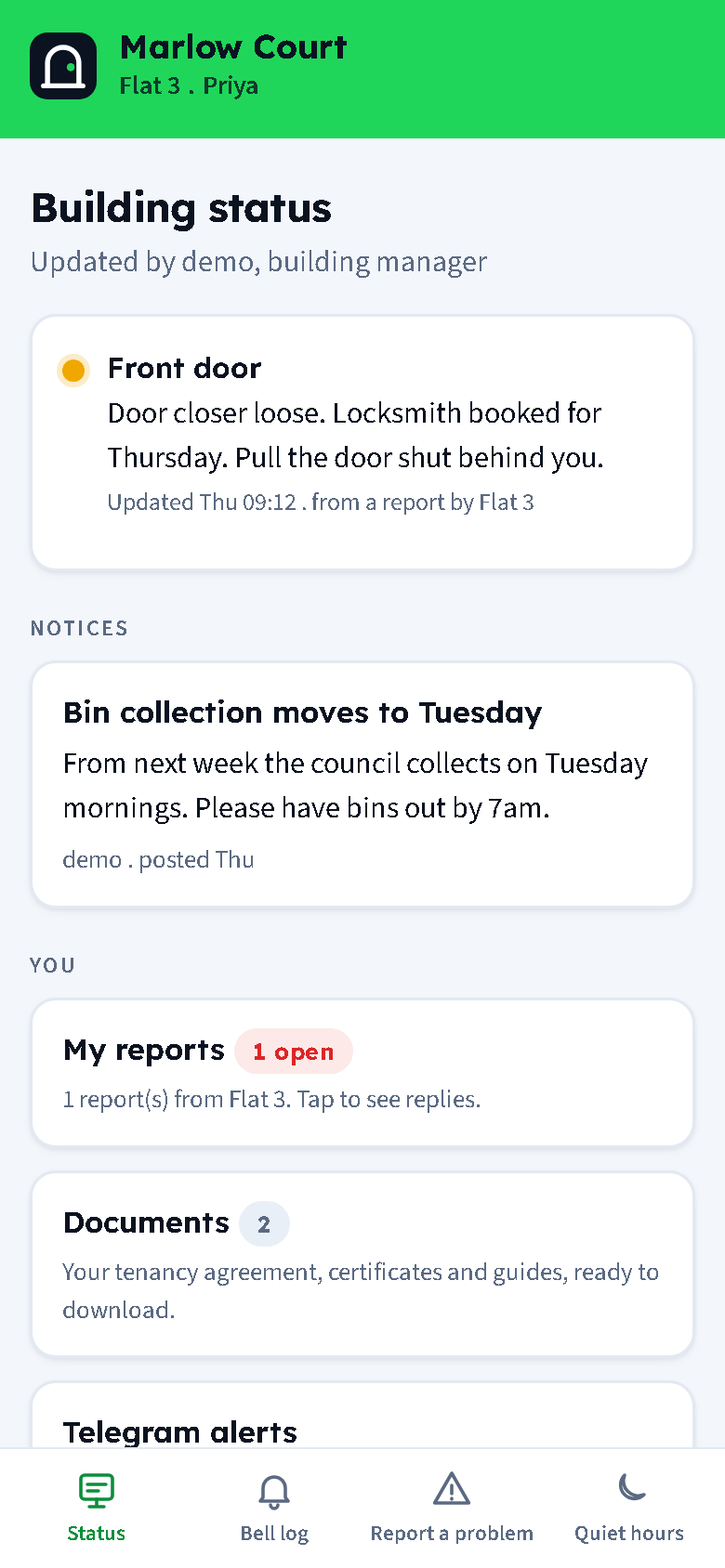
When nothing is posted the board says "Everything is working normally. The manager posts here when something is not."
Bell log
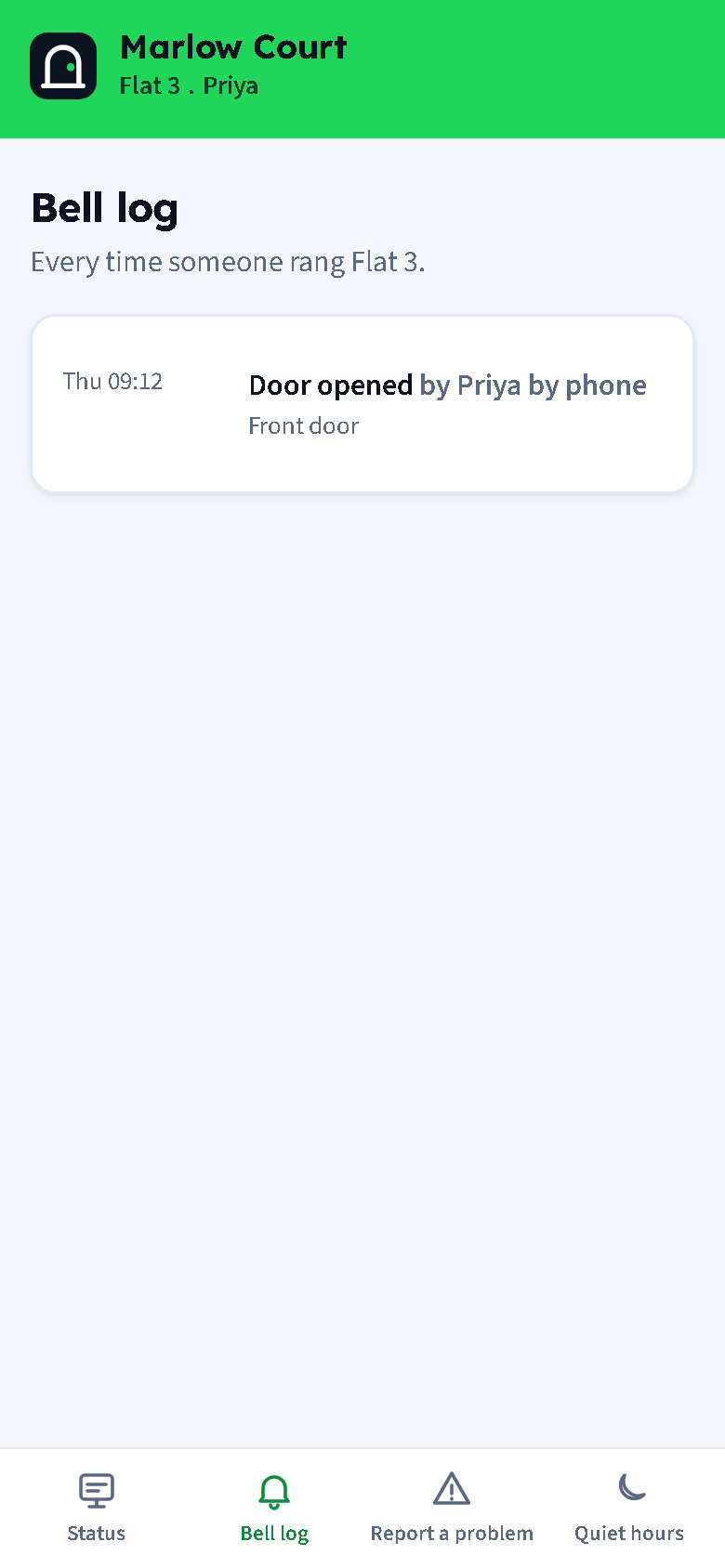
Every ring for the flat, newest first: when, which door (and whether it was a Deliveries or Trades ring), the outcome, who answered and how ("Priya by phone", "Tom on Telegram"), and any message the visitor left, with the audio to play when it was a voice message. Messages are kept for the retention period in Settings, seven days by default.
Report a problem
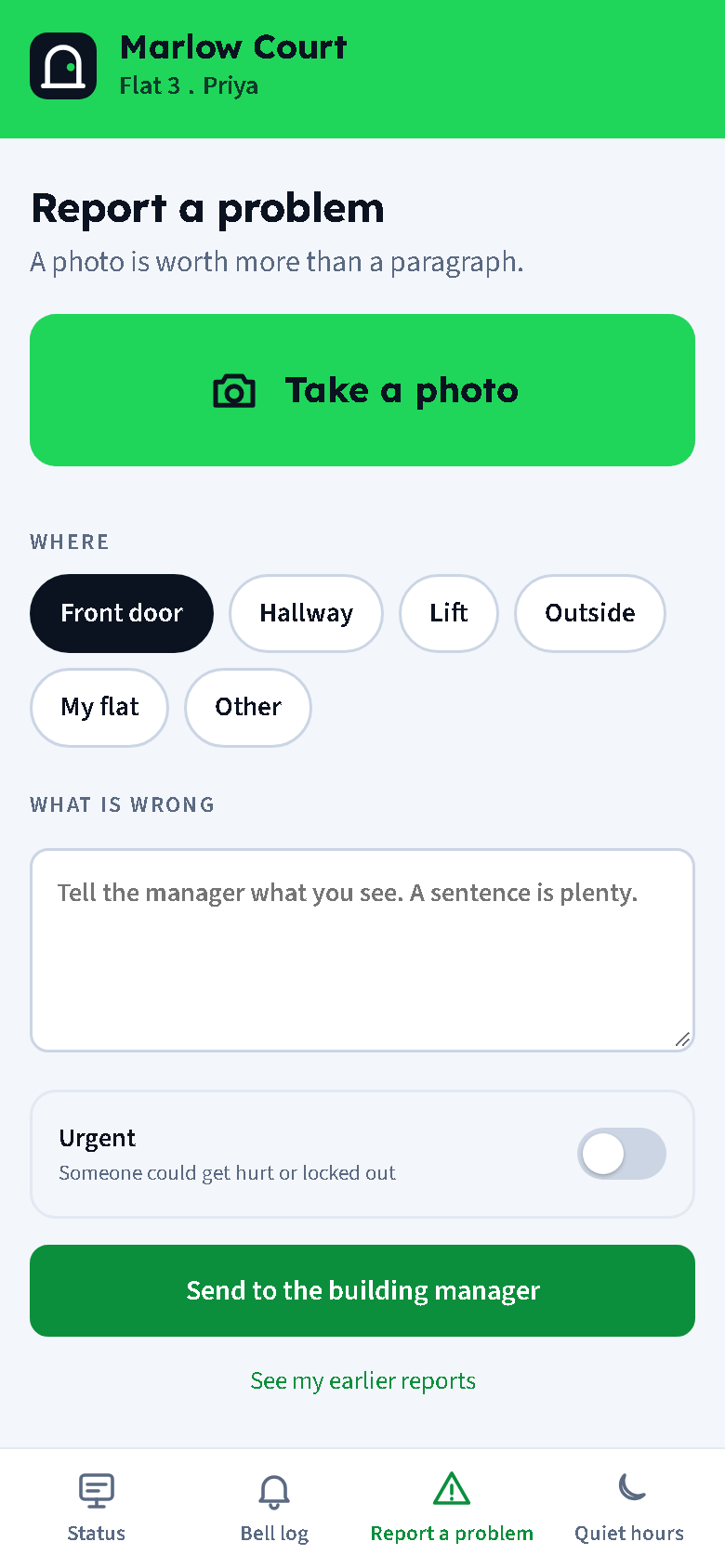
Photo first: Take a photo opens the camera (several photos are fine; they are shrunk on the phone before sending). Then Where as chips: Front door, Hallway, Lift, Outside, My flat, Other. Then What is wrong in a sentence. The Urgent switch is for when someone could get hurt or locked out: it tells the managers by Telegram, email and text at once instead of Telegram and email only. Send. The report becomes an issue the manager sees, and the resident is taken to its thread.
A resident can send a few reports in a row, then one a minute; the form says so if they are quicker.
My reports and the thread
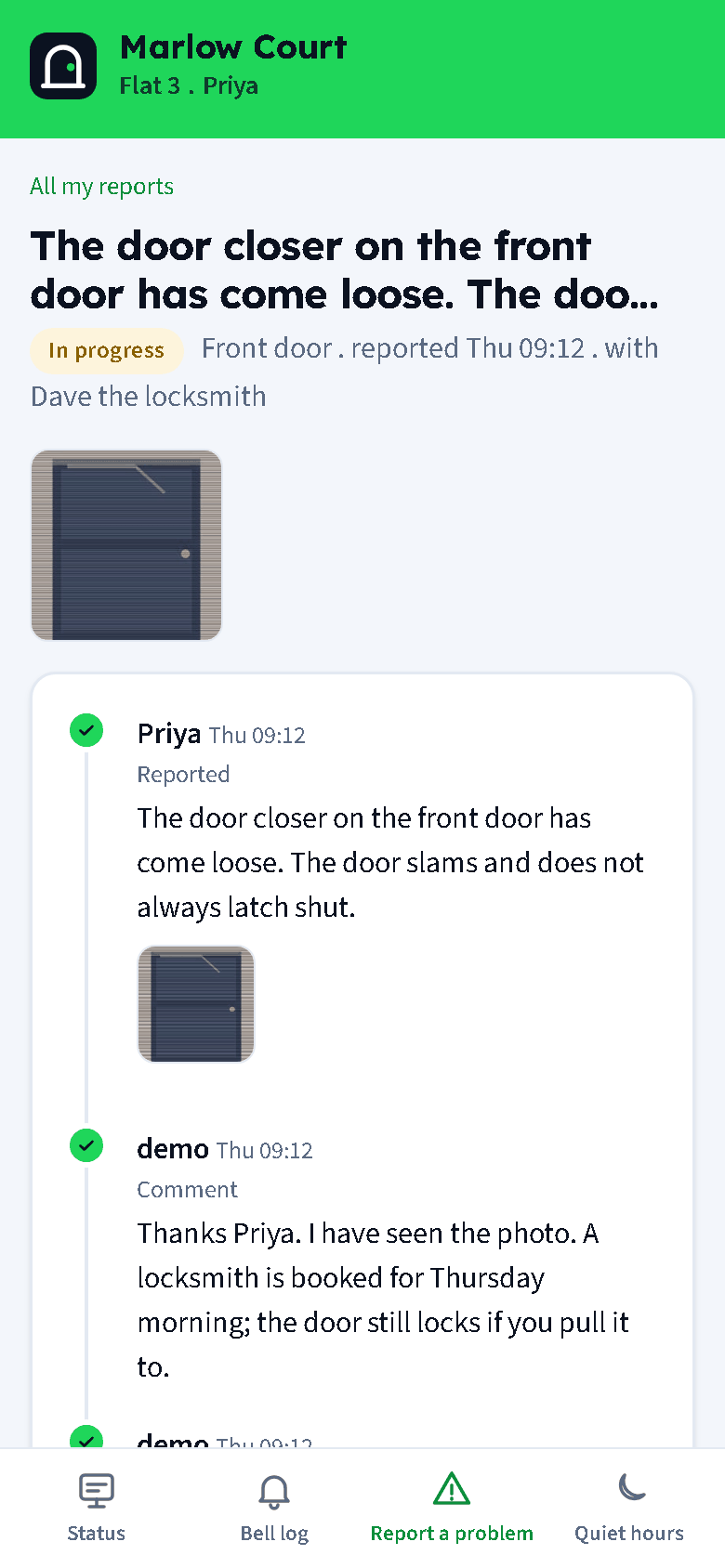
My reports lists the flat's own reports with their status. A report's thread shows the photos and the whole timeline: the manager's replies, "sent to a trade", anything the tradesperson wrote, and status changes. The resident can add a comment or a photo. When the report is marked fixed, a card asks "Marked fixed. Is it?" with Yes, it is fixed (closes it) and Still a problem (reopens it and tells the manager and the trade). Only the flat that reported it can see it.
Quiet hours and preferences
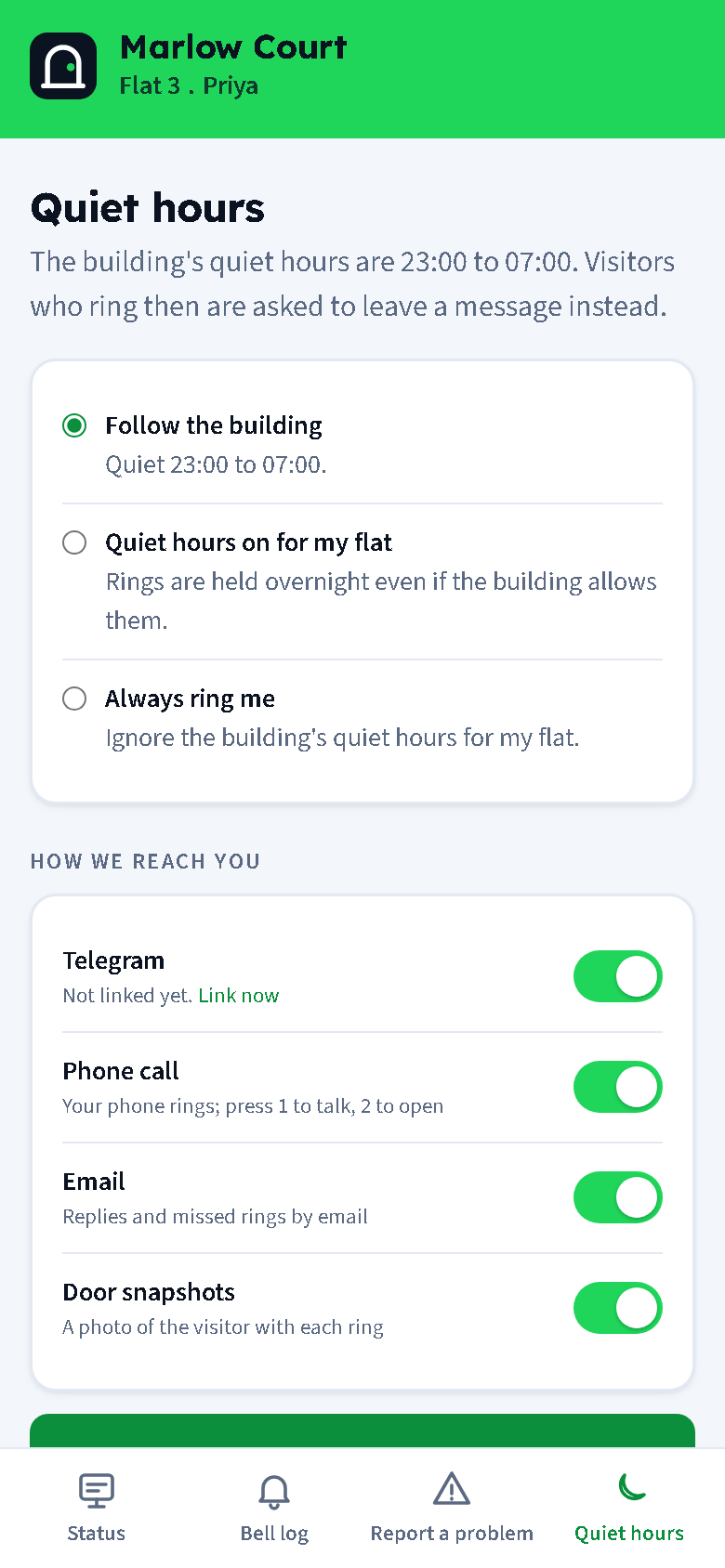
The Quiet hours tab is the resident's settings page:
- Follow the building, Quiet hours on for my flat (rings are held overnight even if the building has no quiet hours) or Always ring me (ignore the building's quiet hours for this flat). One resident choosing "on" holds rings for the whole flat.
- Switches for Telegram, phone call, email and door snapshots. Turning snapshots off for one resident turns them off for the flat.
- Sign out, and Leave this flat for moving out.
Telegram alerts
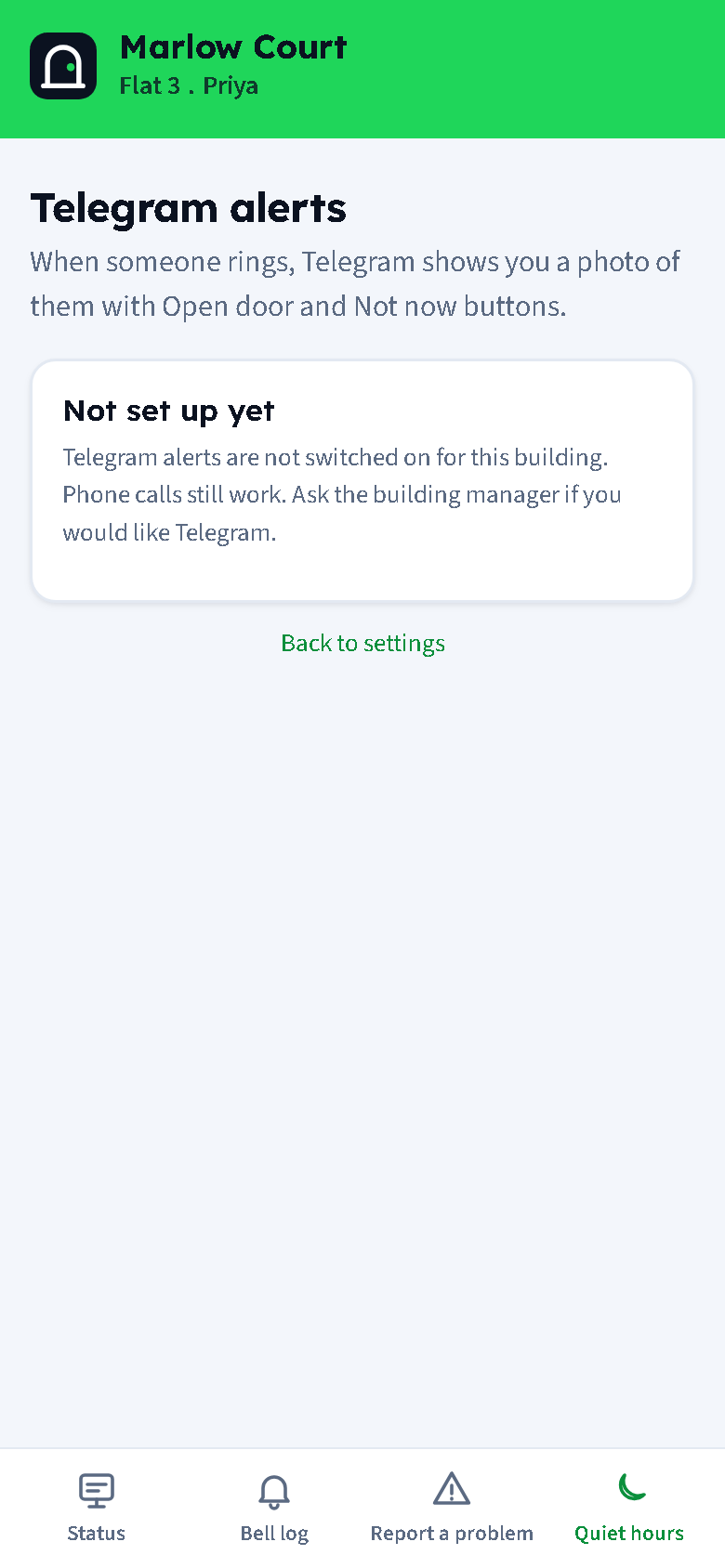
Once the building's bot is set up (see Settings), the Telegram card offers a button that opens the bot in Telegram and links the flat in one go, or a code to send to the bot as /start CODE. Linked, the resident gets each ring as a message with the visitor's photo and Open door and Not now buttons. Unlink from the same page. See Rings, Telegram and the phone line.
Documents
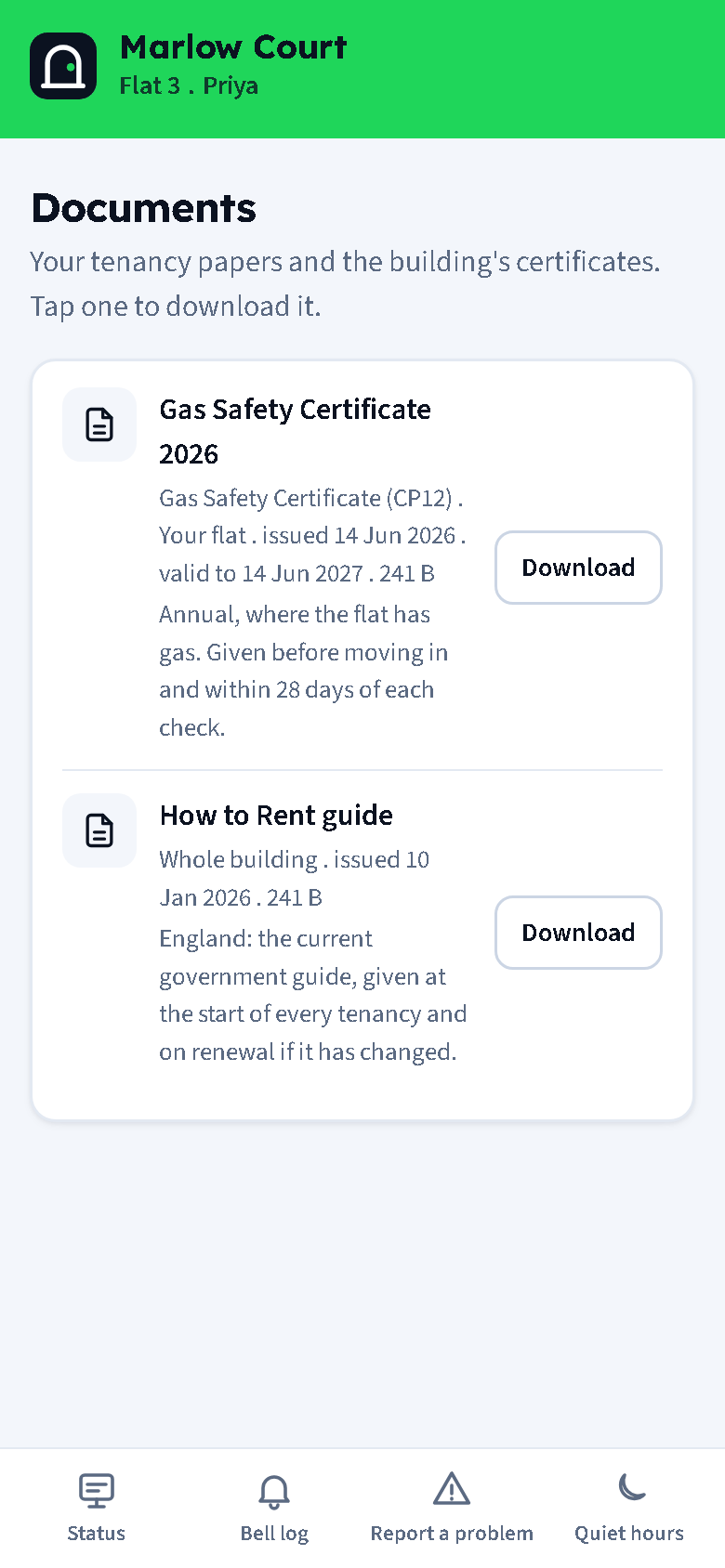
The flat's own documents and the building-wide ones, each with its kind, whether it is for the flat or the whole building, the issued and expiry dates and the file size. Tap one to download it. See Documents for renters.
Privacy
The portal never shows a phone number or an email address to anyone, and never renders one as a link. A trade who writes into the thread sees the resident's first name and flat number only; the resident sees the trade's name only. Photos are visible to the reporting flat, the managers and the trade the job was sent to.