For residents
Your phone is the handset. Your building has a front page.
Nothing to install and no password to forget. When someone rings your flat you see who is there and open the door from wherever you are. The same portal is where you report a problem and read what is going on in the building.
Signing up takes a minute
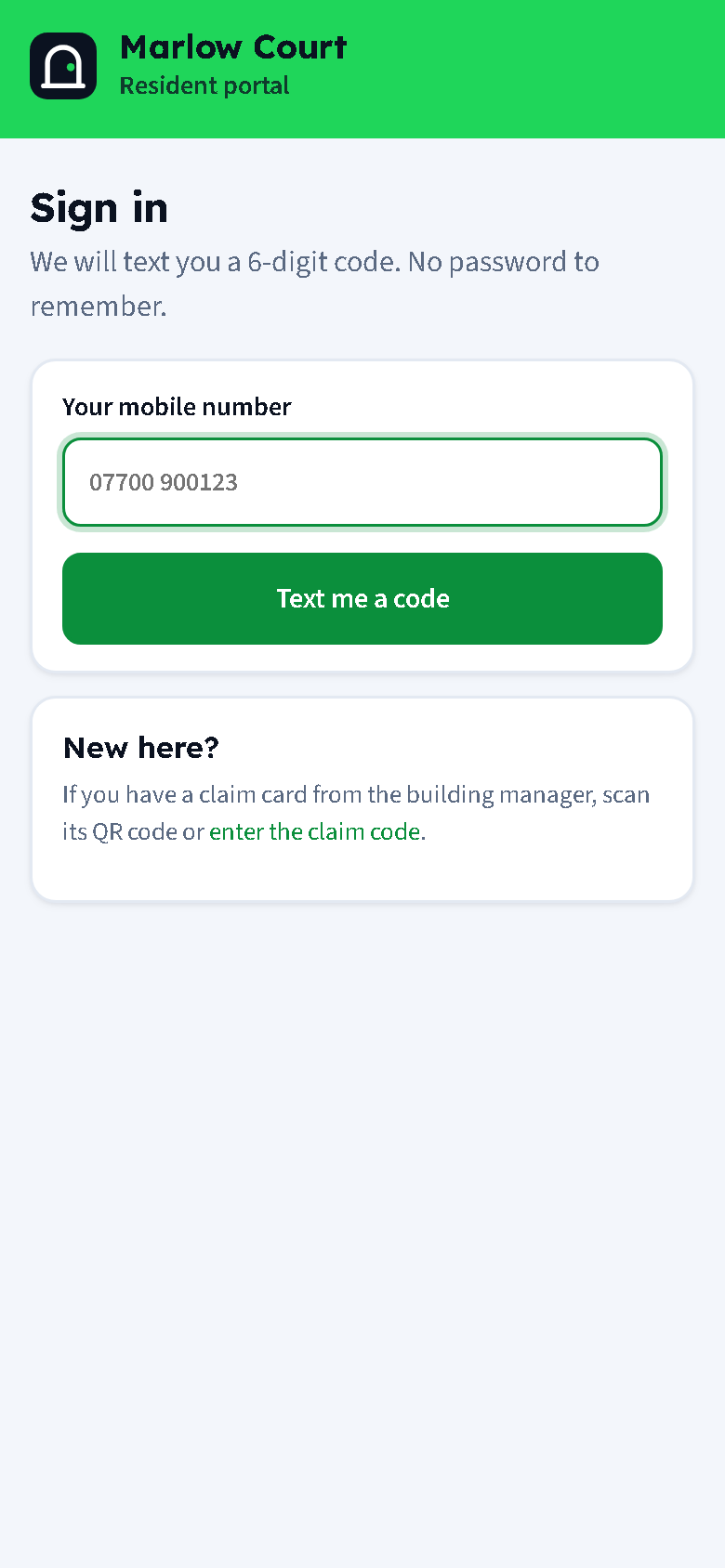
Your building manager gives you a claim card, shows you a QR on their screen, or texts or emails you a link. Open it, type your name and mobile number, and enter the six-digit code you are texted. That is it. You stay signed in for a year.
Two or more people in a flat can each sign up. When you move out, tap Leave this flat and visitors stop reaching you.
Answer the door from anywhere
By phone. Your mobile rings. You hear which door and which flat, and press 1 to talk to the visitor or 2 to open the door. If you cannot take it, hang up and the other people in your flat keep ringing.
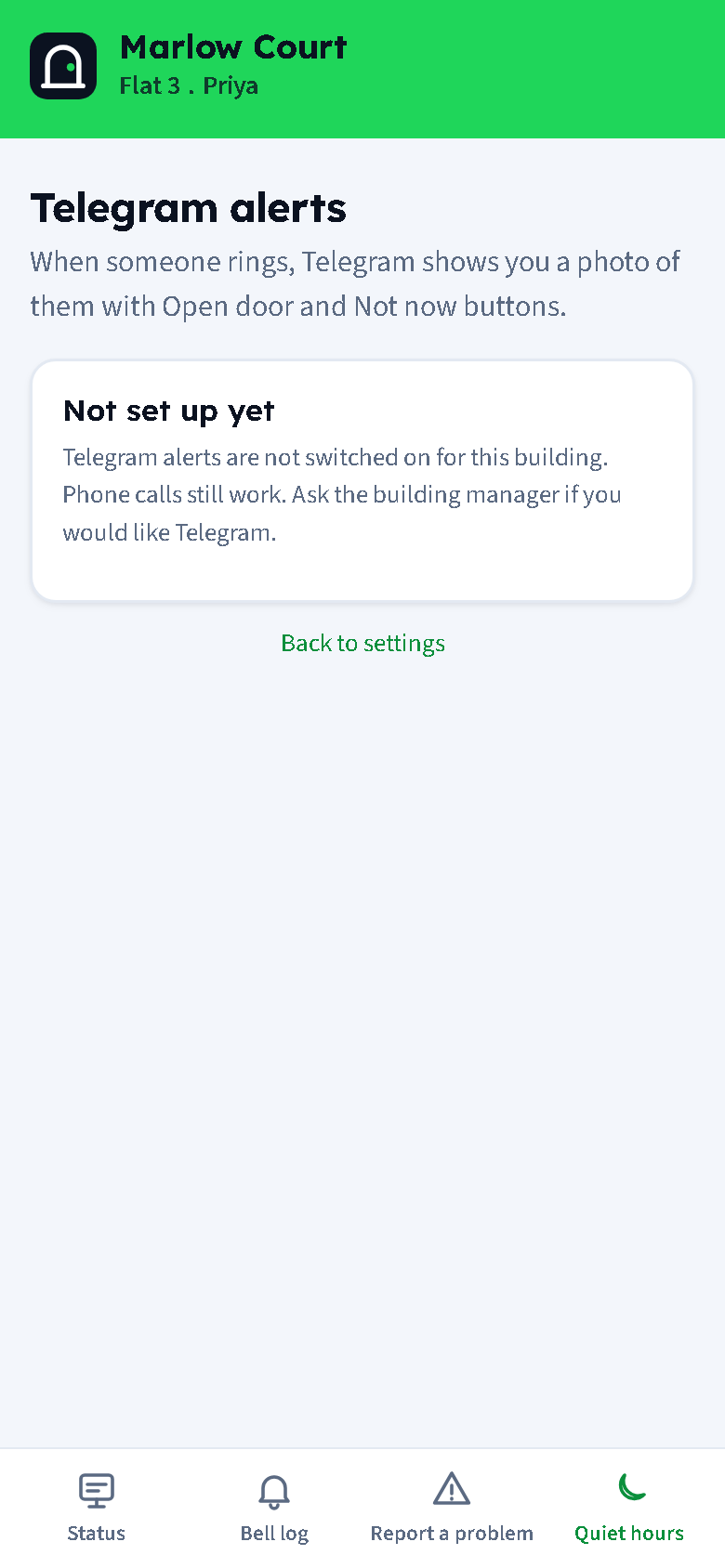
On Telegram. Link the building's bot once from the portal and each ring arrives as a message with a photo of who is there and two buttons: Open door and Not now.
Missed it? The visitor can leave a text or voice message. It reaches you on Telegram or by email and stays in your bell log.
Report a problem with a photo
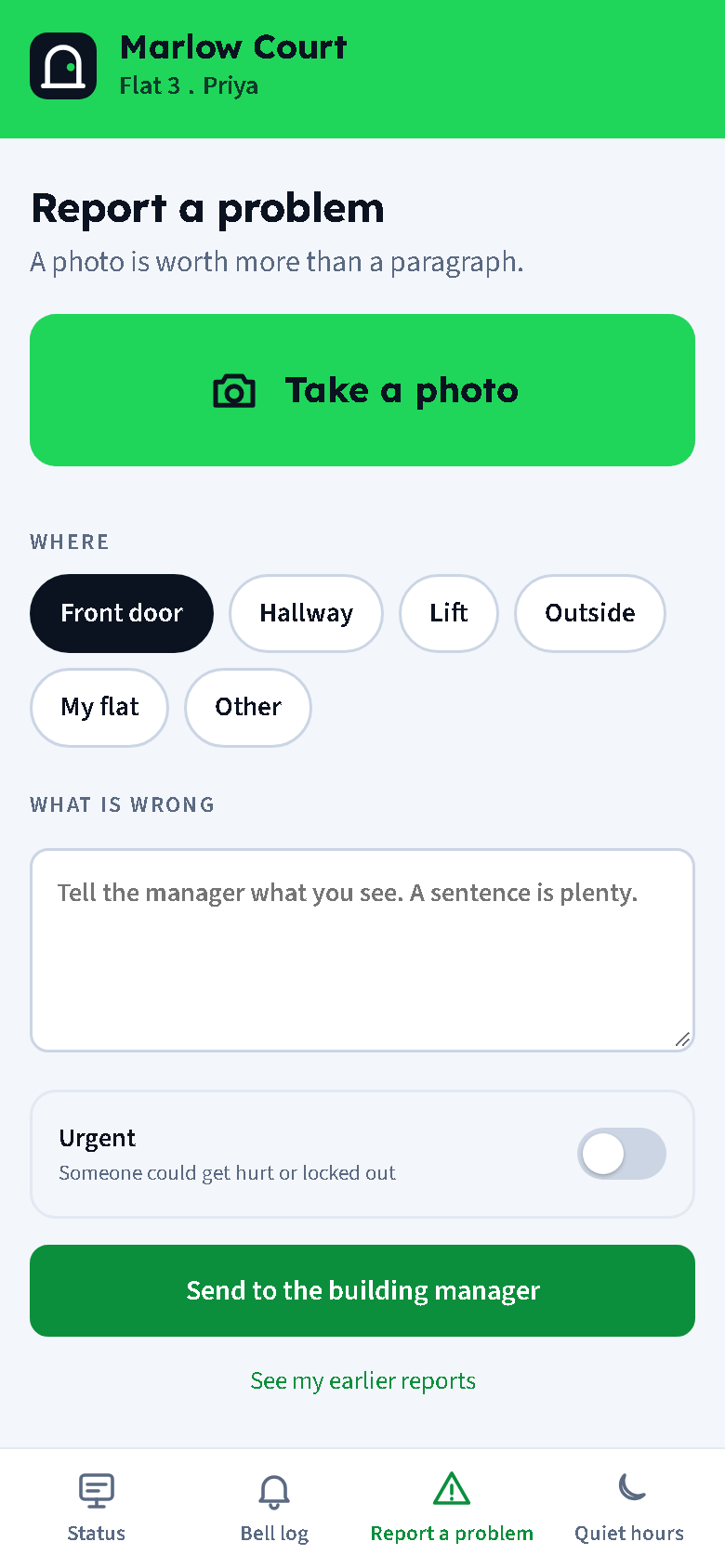
Take a photo, tap where it is (front door, hallway, lift, outside, my flat, other), say what is wrong in a sentence, and send. If someone could get hurt or locked out, flip the Urgent switch and the manager is told at once.
The manager's reply arrives in the same thread, and so does anything the tradesperson says. When it is marked fixed you are asked: is it? One tap to confirm, or one to say it is still a problem.
Your building's front page
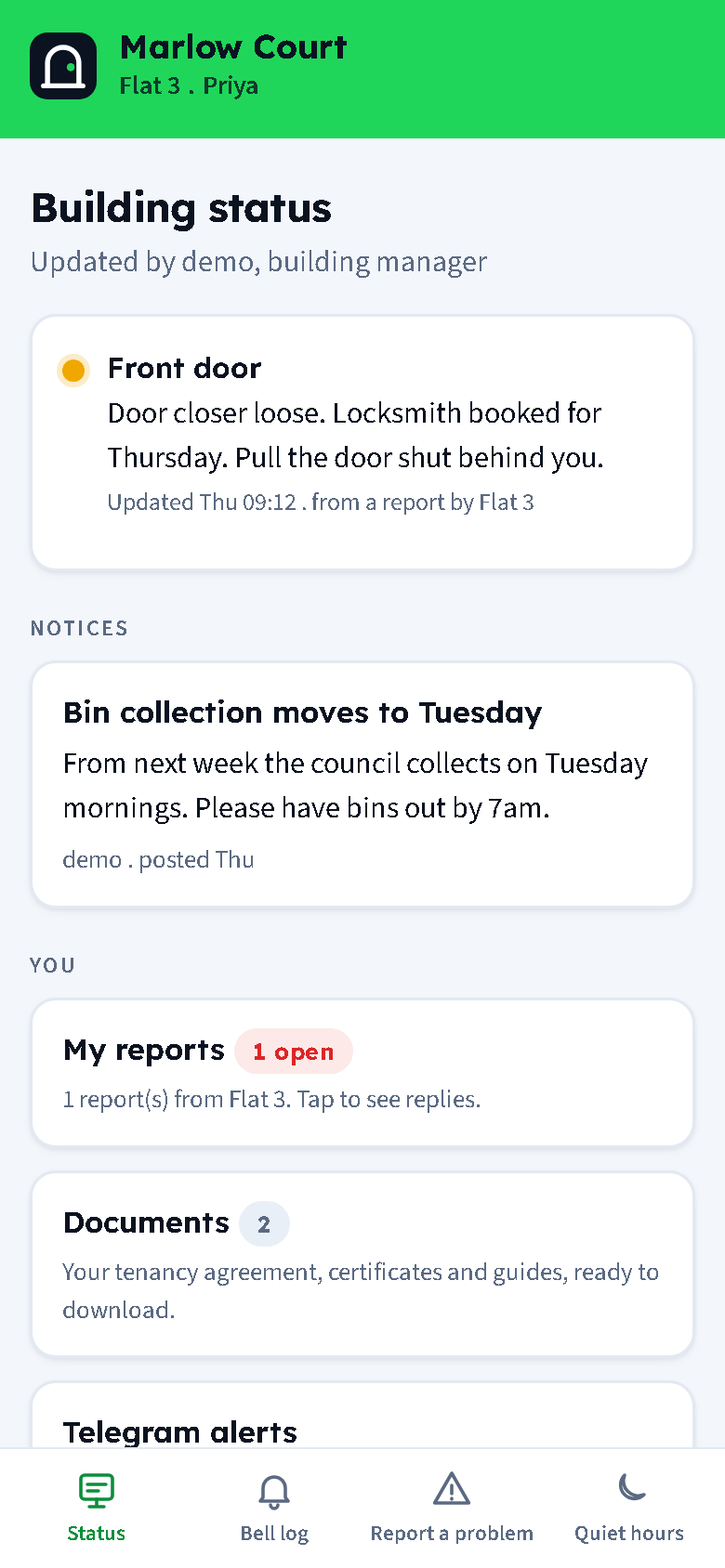
The portal opens on the building status: the front door, the lift, the bins, each with a green, amber or red dot and a line from the manager, and the notices that matter this week. Your own reports, your documents and your Telegram link are one tap away.
Documents holds your tenancy agreement and the certificates the building has to give you, with their validity dates.
Your choices
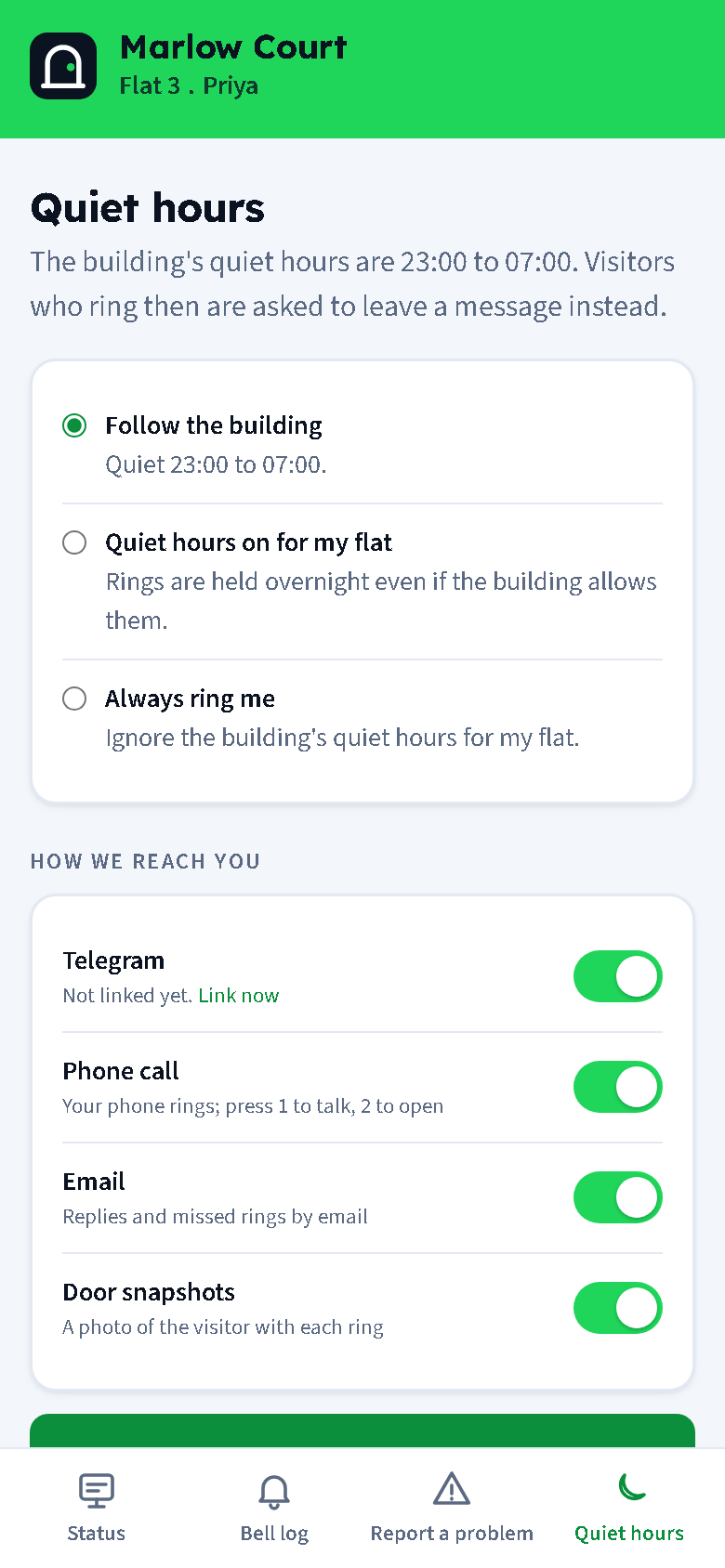
Follow the building's quiet hours, turn them on for your flat alone, or say always ring me. Switch Telegram, phone calls and email on or off. Turn door snapshots off if you would rather not have a photo with each ring.
Your phone number is never shown to visitors, tradespeople or other residents, and never as a link to anyone.